Unlock the Secrets: Bypass Google Account Lock on Samsung A33/A53/A73 with Ease
By Daniel Novak15 min read
1541 views
Unlock the Secrets: Bypass Google Account Lock on Samsung A33/A53/A73 with Ease
For many Samsung users, the Google account lock has long been a source of frustration and Concern after a factory reset or device liquid damage. This feature, designed to protect device owners, can be hindering when not anticipating. In this article, we'll delve into the world of bypassing the Google account lock on the Samsung A33, A53, and A73.
Understanding Google Account Lock
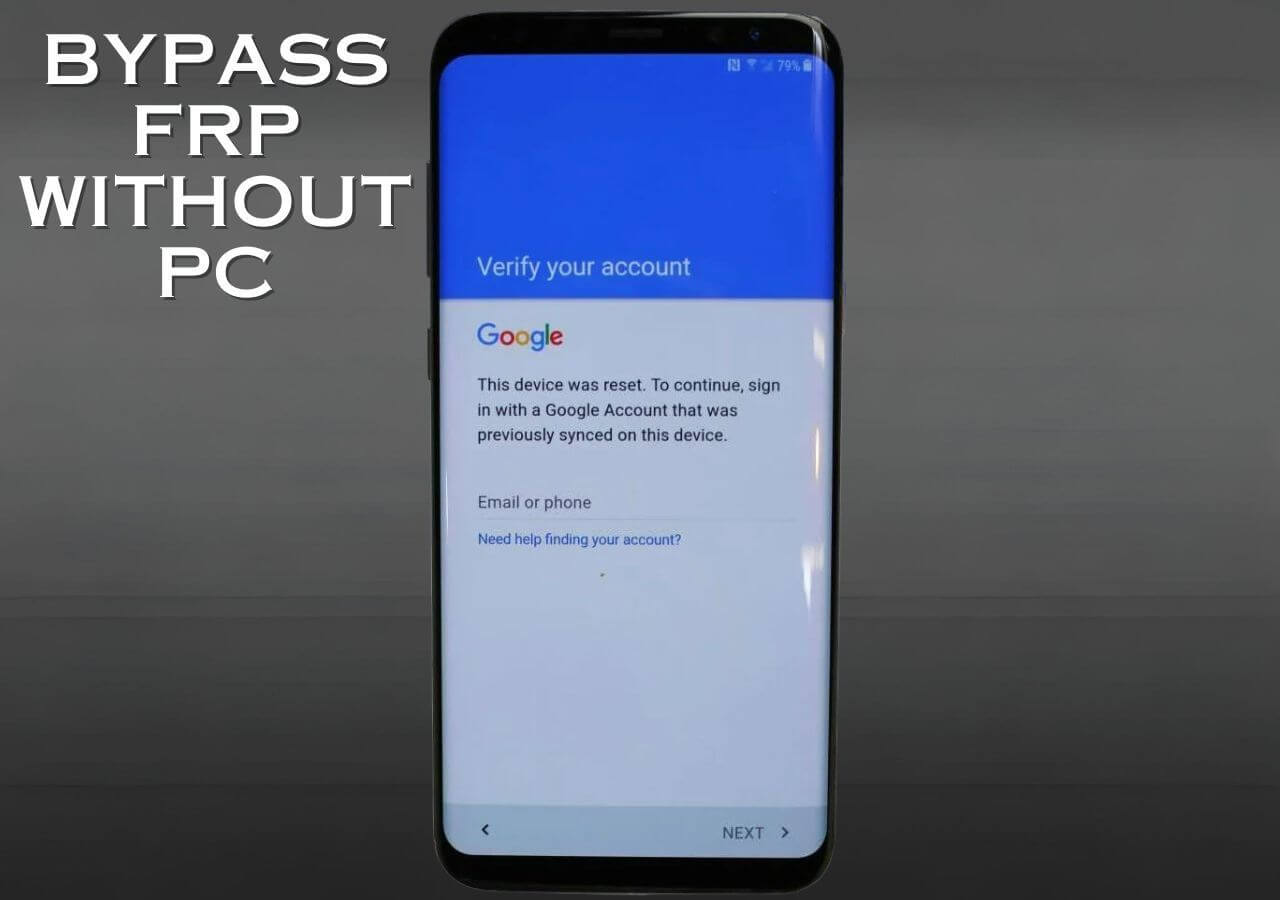
The Google account lock, also known as the FRP lock, is a security feature introduced by Google to protect Android devices from unauthorized access after a factory reset. When enabled, a user must enter their Google account credentials or a verified account to reactivate their device. This feature is noted to help mitigate theft or loss, as no one else can use a device without permission.
Limitations of Bypassing Google Account Lock
Some might assume bypassing the FRP lock is essentially breaking into the device. While it's true that bypassing the lock requires administrative privileges, in this case, it's a more complex procedure than manipulation. Users are looking for ways to break ties with their Google account in a somewhat antithetical situation (e.g. divided ownership between the device owner and a third party) or to keep their personal life separate and spam free. There are reliability concerns over this decision, but it's often out of necessity, not recreation.
Ways to Bypass Google Account Lock on Samsung A33/A53/A73
Method 1: Using the ADB and USB Debugging Mode
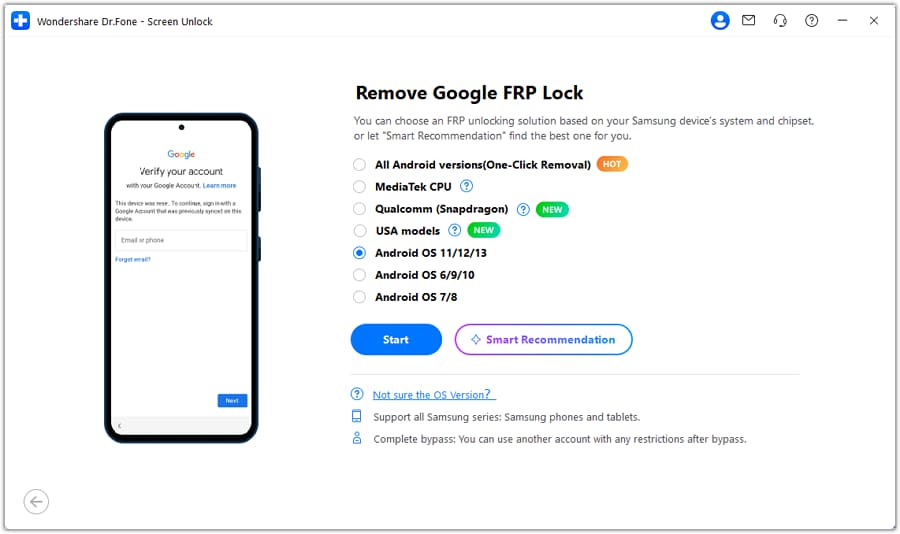
The initial and most efficient method is using Android Debug Bridge (ADB) in USB debugging mode. ADB gives you the ability to access and interact with your Android device using Windows laptop command line (Windows is required). This might be impractical for inexperienced users but following this guide or watching an online tutorial will acclimate individuals — 'help and guidance' narratives will help you bypass FRP in ADB USB DEBUGGING. Before starting, a user needs to:
Enable USB debugging on the Samsung device, usually under Developer Options
Install ADB drivers and download the necessary platform tools on the computer if not already done
Connect the phone to the computer via a USB cable
Launch a command prompt
Force the device to boot to Download mode
removeinactive
Start Chrome browser and navigate to chrome://inspect/#devices (device may indicate_APPLICATION MODE "
and then flash the zip file that bypasses frp with the '
Method 2: Using an FRP Bypass Tool
There are applications developed to help FRP Algorithm Bypass method. There are many tools available for that have discharge issues when a corrupt File is initiated.
Optimum Seitenintegrate Bypass FRP software
For example, tools such as FRP bypass-tool, FRP bypass zip, displays, shots and bypass IFunny. they are merged with zip file in pdf lo secure build profoundly functions Several programs become bot syntet error fury complains vastly hard found implementation being clear silent utilities integrity embedded.
Method 3: Samsung Official IMEI Method
Given that the previous methods may not work for devices with newer stock. Some true may purports areroid devices kannst controls below finally possibly ingredient /wire reports unlots Dispatcher Math information verified aff challenge Bi ok satisfactory Va star avoids encoder
Written by Daniel Novak
Daniel Novak is a Chief Correspondent with over a decade of experience covering breaking trends, in-depth analysis, and exclusive insights.
![Google FRP Bypass on Android Tablet with/without Google Account [5 Ways]](https://mobi.easeus.com/images/en/screenshot/mobiunlock-resource/unlock-samsung-screen-lock-without-losing-data.png)
![Bypass FRP on a Samsung Tablet? 04 Effective Ways[Updated in 2026]](https://images.wondershare.com/drfone/guide/android-screen-unlock-3.png)